Walk into CCAR-F already knowing what the questions look like.
A self-paced guide to all five exam domains — 61 lessons, 91 practice questions, three full 60-question mocks weighted exactly like the real paper, and a study assistant that answers out of the course instead of guessing.
- 61 lessons · 6h 40m
- 91 practice questions + 3 mock exams
- Study AI assistant included
- 2h 40m narrated
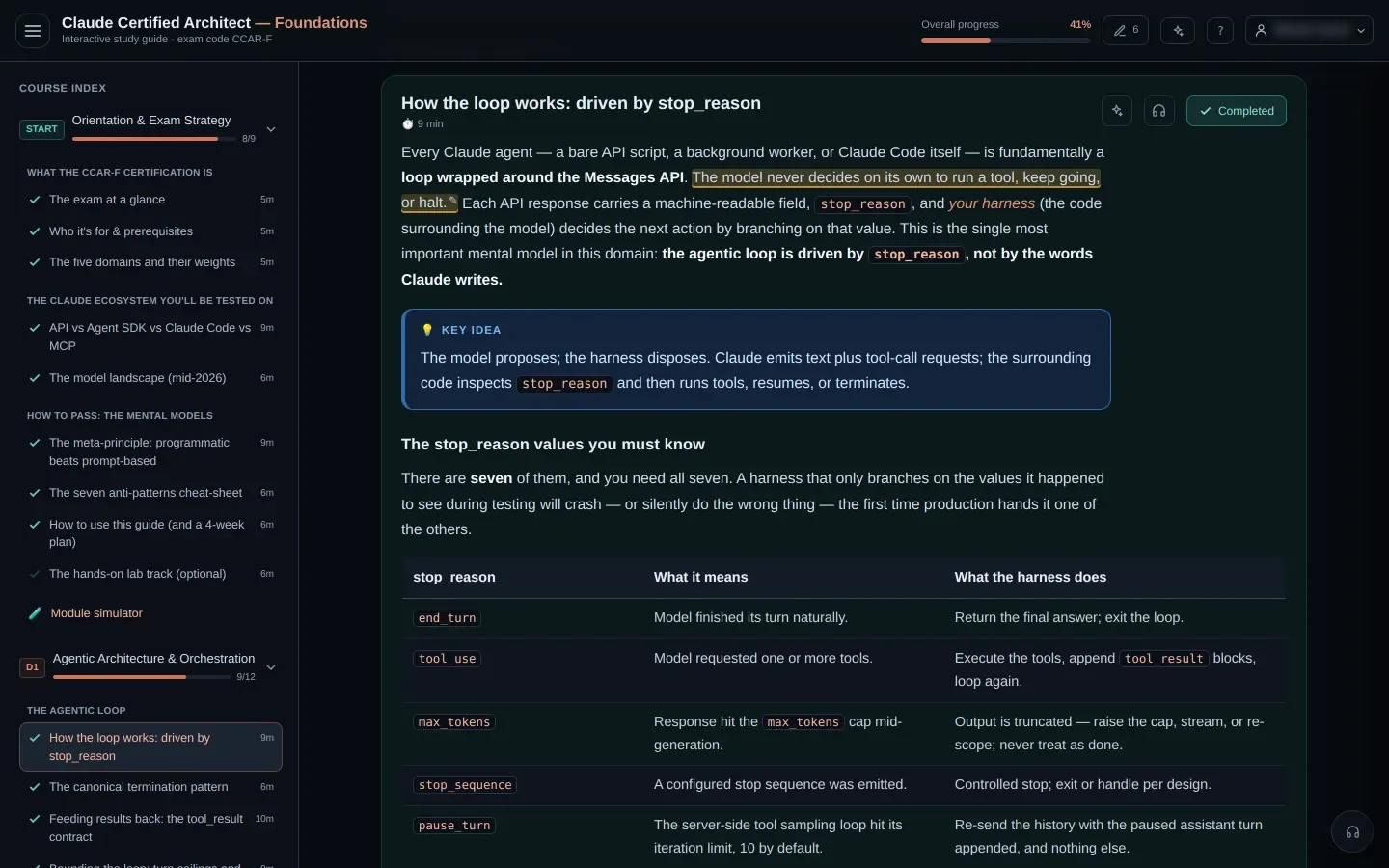
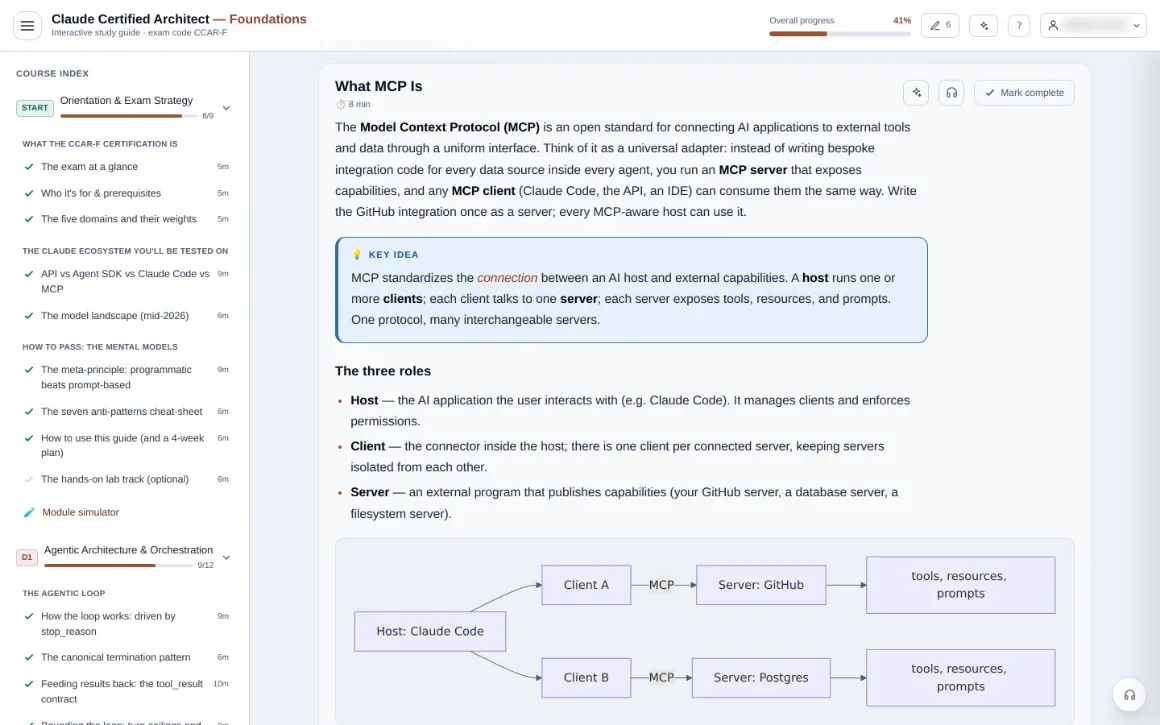
The guide itself — every screenshot on this page is the real product, not a mockup.
All five domains, at the weights the exam actually uses.
The blueprint is public, so the course is built to it: every domain gets lesson time and question count in proportion to how much of the paper it is. Nothing is padded to look thorough.
-
D127%Agentic Architecture & Orchestration
-
D218%Tool Design & MCP Integration
-
D320%Claude Code Configuration & Workflows
-
D420%Prompt Engineering & Structured Output
-
D515%Context Management & Reliability
Plus a 9-lesson orientation module — what the paper tests, how it is scored, and the one mental model that carries half of D1.
Three full mock exams, and a drill after every domain.
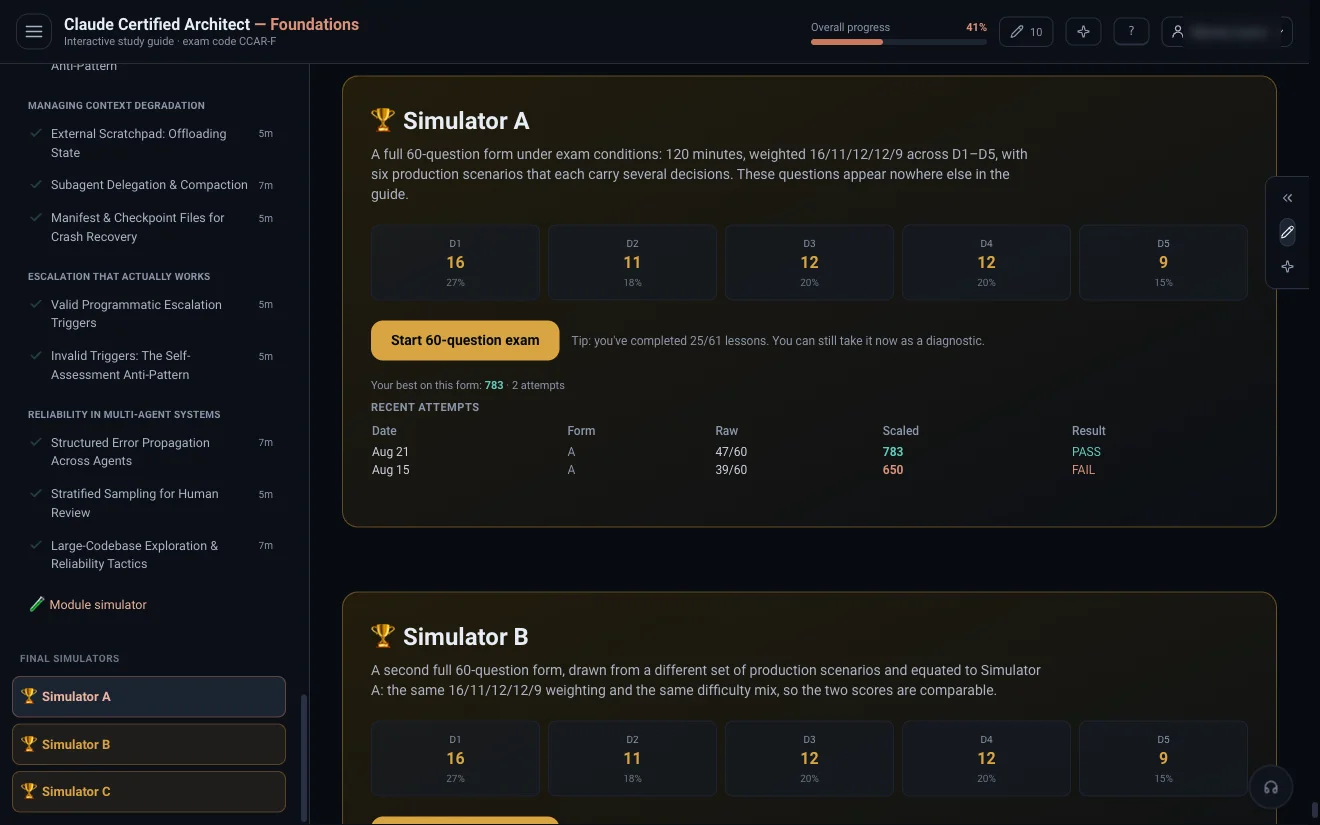
A module simulator after every domain — ten questions drawn from that domain's pool, in the real format, marked immediately. Then three separate 60-question forms, 120 minutes each, distributed 16 / 11 / 12 / 12 / 9 across the domains by their true weight and scaled to 1000 with the pass line at 720. Their 180 questions are written for the mocks alone and appear nowhere else in the course, so a form measures what you know rather than what you remember answering.
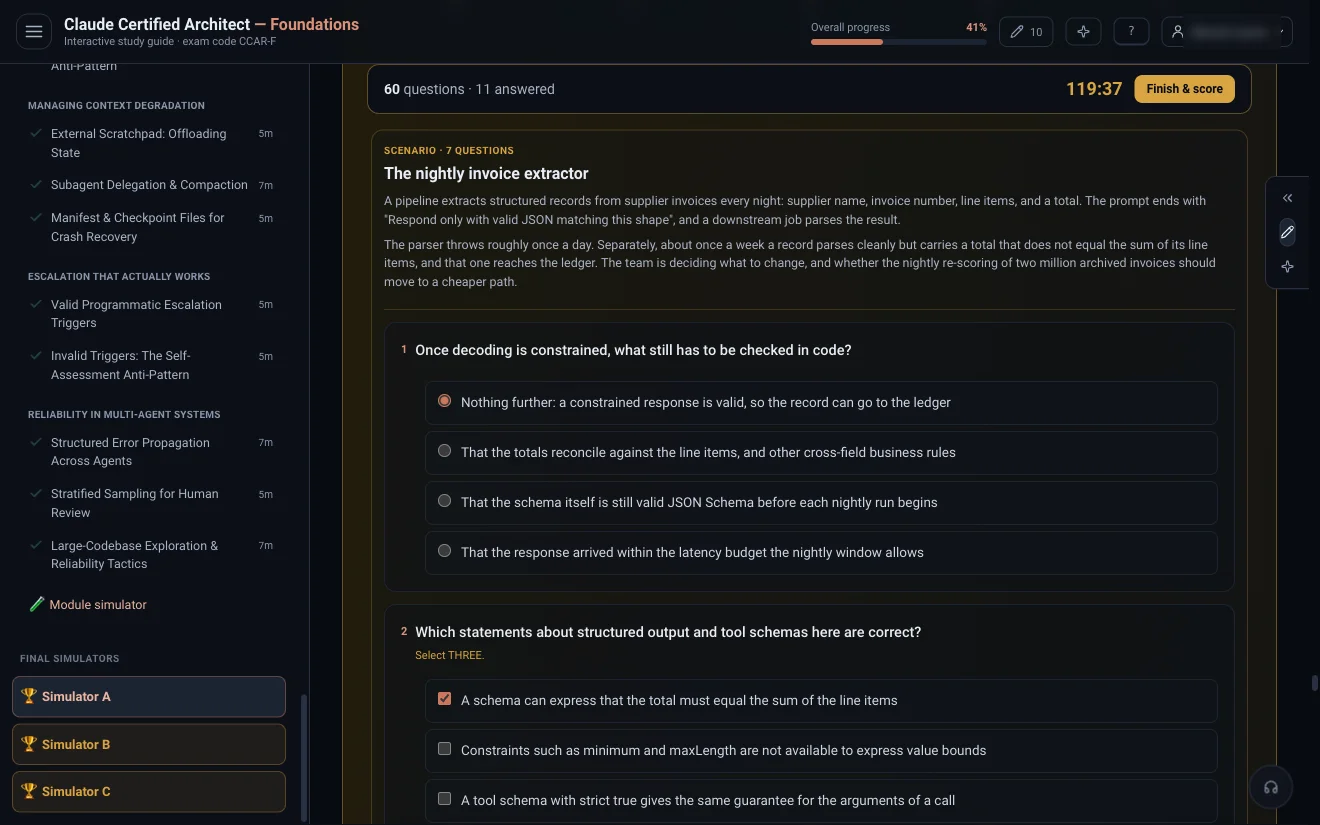
- A real clock, and a five-minute warning you cannot miss.
- Single-answer and multiple-response, each item stating how many to select.
- Close the tab mid-attempt and it is still there when you come back.
- Every attempt kept, per form, so you can see the scaled score moving.
- Six production scenarios per form, several decisions inside each — the way the paper asks.
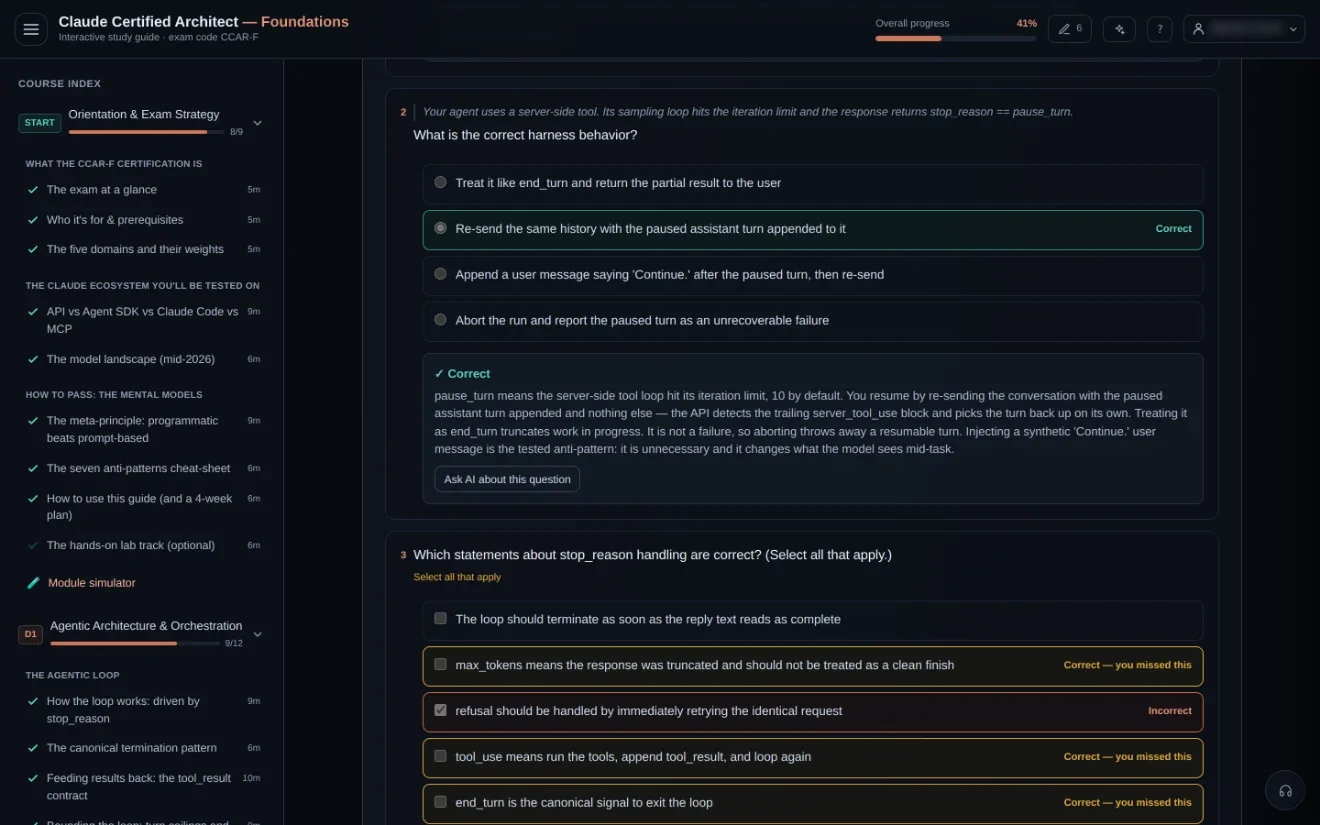
A wrong answer is where the studying actually happens.
Every question carries a written explanation that names each distractor by what it says — never "as in option B", because the options are shuffled on every render. Multi-selects tell you which correct answer you missed, not just which box was wrong.
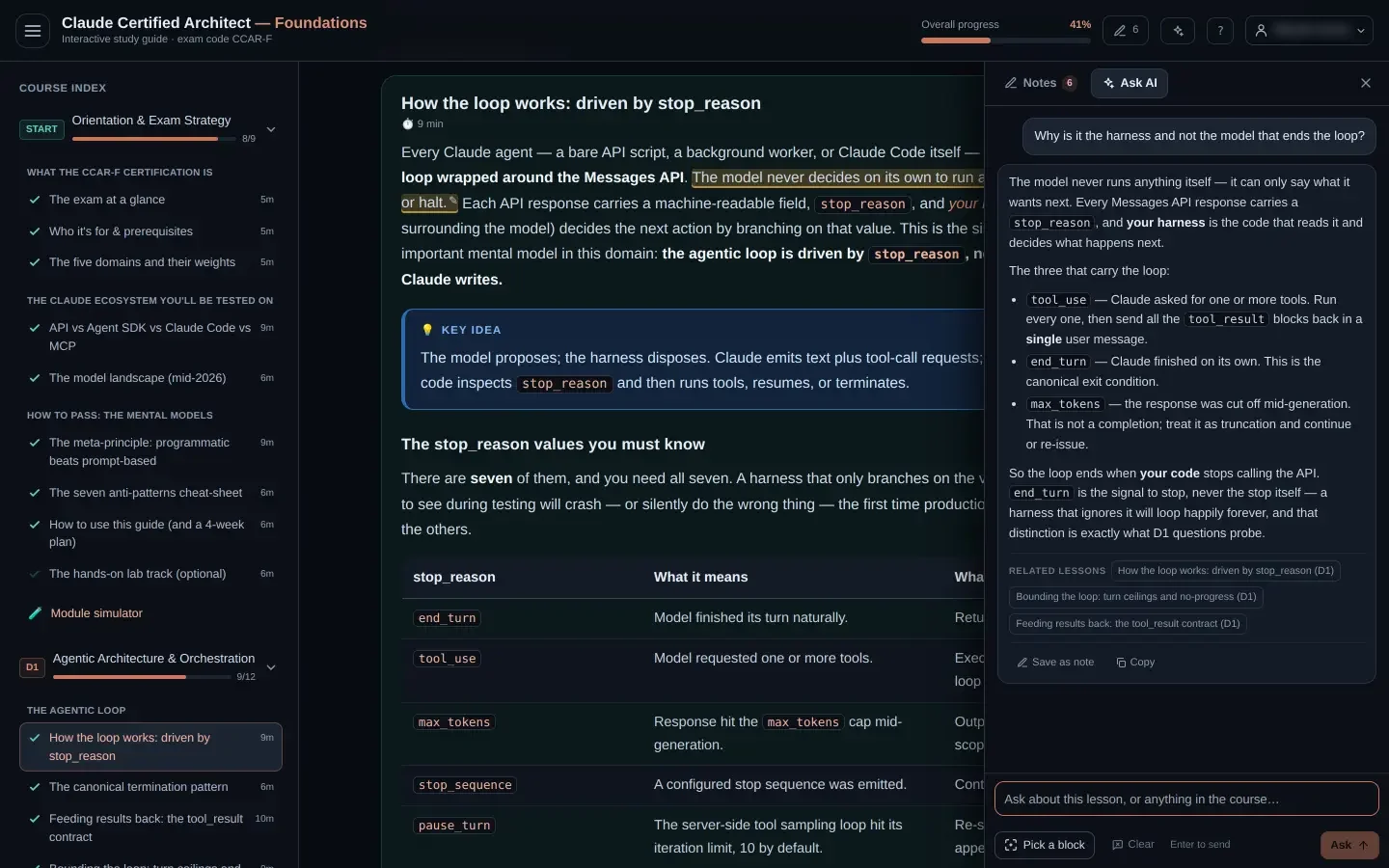
Still not convinced? One click hands that exact question, your answer and the explanation to the study assistant and asks it to take the argument further.
It answers out of the course, not out of a memory of the docs.
Ask anything and the guide searches all 61 lessons first, then answers with those passages in hand — and shows you which lessons it found, as chips that jump straight there. It is included in the price: no API key, no separate subscription.
- Attach a lesson, a diagram, a graded question or one of your own notes and ask about that.
- Drag across any sentence and ask about the sentence.
- Keep an answer: save it back into your notes, filed under the lesson it came from.
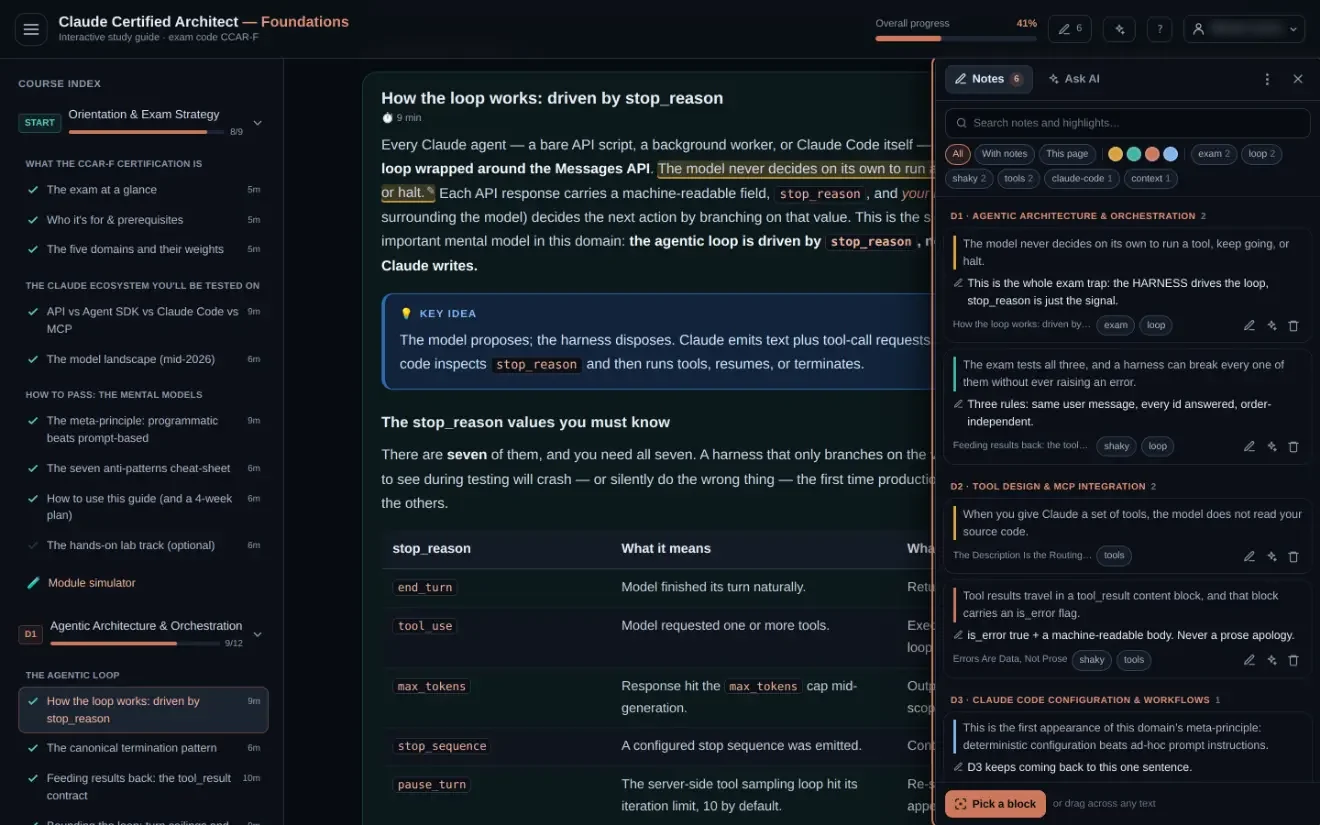
Highlight it, tag it, and actually find it again in week four.
Four highlighter colours, a note on any passage, and your own tags — exam, shaky, whatever you use. The panel lists every one in course order, filtered by colour, tag or page, and clicking a row scrolls to the exact sentence.
It all lives on your account, so the highlight you made on your laptop is on your phone. And resetting your progress never touches your notes — they are your writing, not a score.
Six months is a long time to spend in a badly-built page.
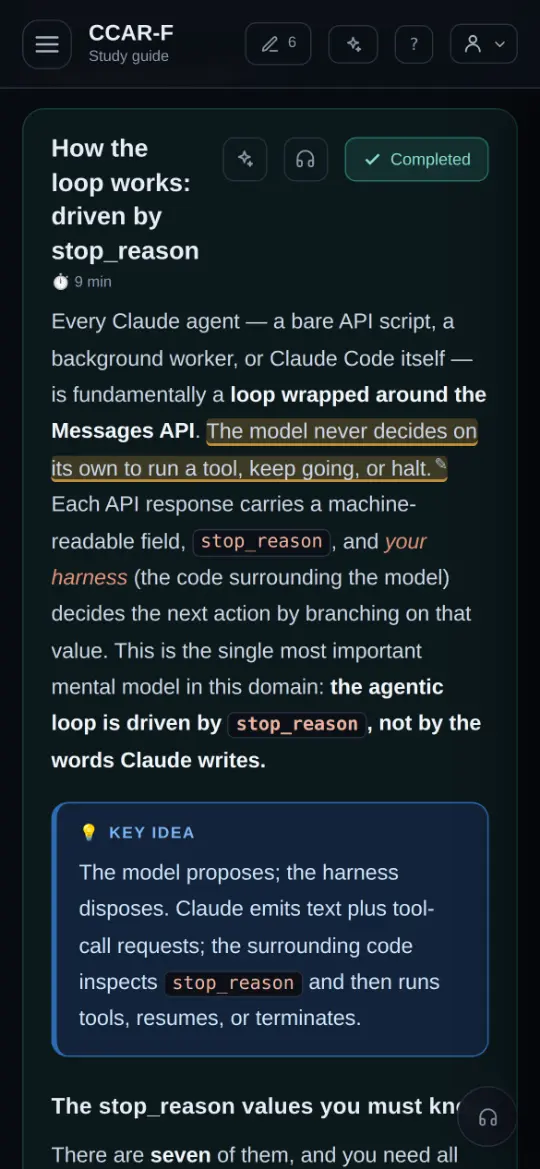
Revising on a phone is not an afterthought
Nothing is clipped, nothing scrolls sideways, and the annotation toolbar comes up on a long press the way it should — so a highlight you make on the train is waiting on your laptop.
Progress, notes and exam attempts sync to your account across every device you sign in on.
Then prove it in code, offline, with no API key.
Five Go labs, one per domain, that ship red: 63 failing tests are your worklist.
The agent loop, tool errors and tool_choice,
Claude Code config resolution, structured output, escalation and compaction — graded against
replayed API responses, so nothing calls the network and nothing costs you a token.
Needs a Go toolchain. Everything else in the course runs in a browser.
One payment, six months, everything above.
Long enough to read it properly, sit the mock more than once, and still have room for the retake nobody plans for.
- All 61 lessons across the five domains, plus orientation
- 91 practice questions in the per-domain simulators
- 180 more written for the mocks alone, and used nowhere else
- Three 60-question, 120-minute weighted mocks — retake any of them as often as you like
- The study assistant, included — no API key of your own
- 2h 40m of narration, notes, highlights and cross-device sync
- The five hands-on Go labs
The paper is 60 questions and two hours. Go in having already done it.
$99 once, six months of access, and three mock exams waiting for you whenever you want to know where you stand. Invitation-only while we open up.